
Located at Config > [Menu] > [Page Name]
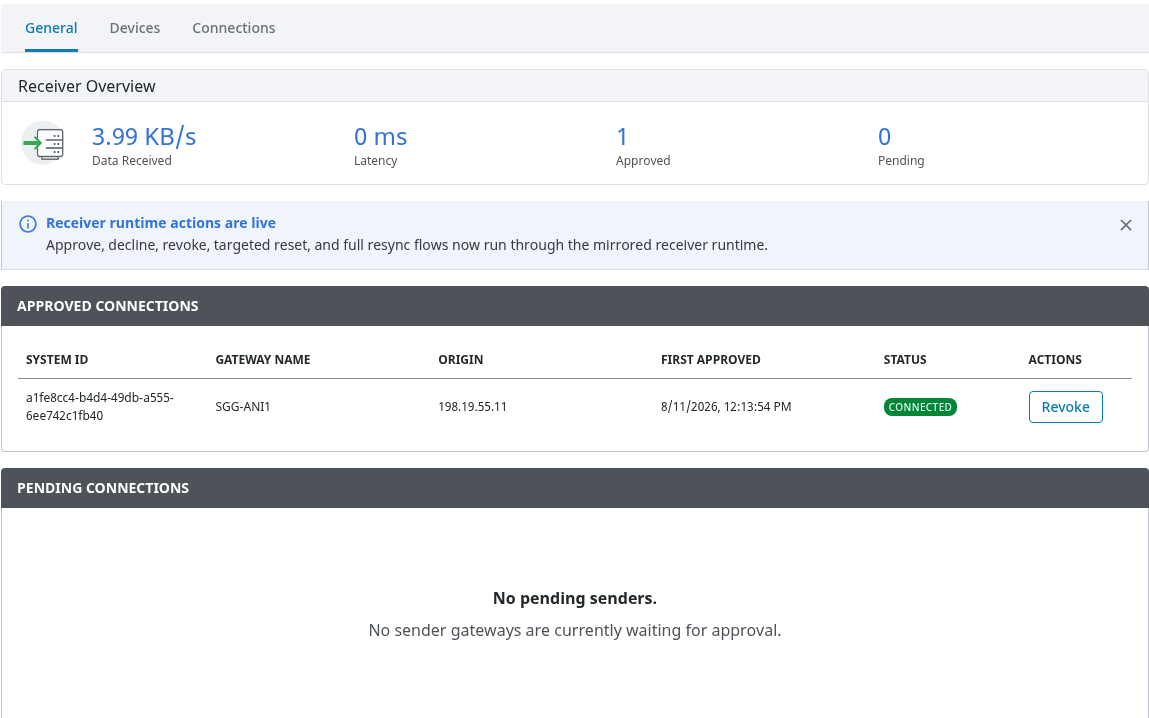
Status page - General
-
On the sending gateway, this tab displays the connection state, the receiver's host and port, latency, and the data transfer rate in bytes per second.
-
On the receiving gateway, this tab provides an overview of pending and approved sender connections.
-
From this page on the receiver, users can manage connections by choosing to approve, decline, or revoke a sender.
Status page - Devices
-
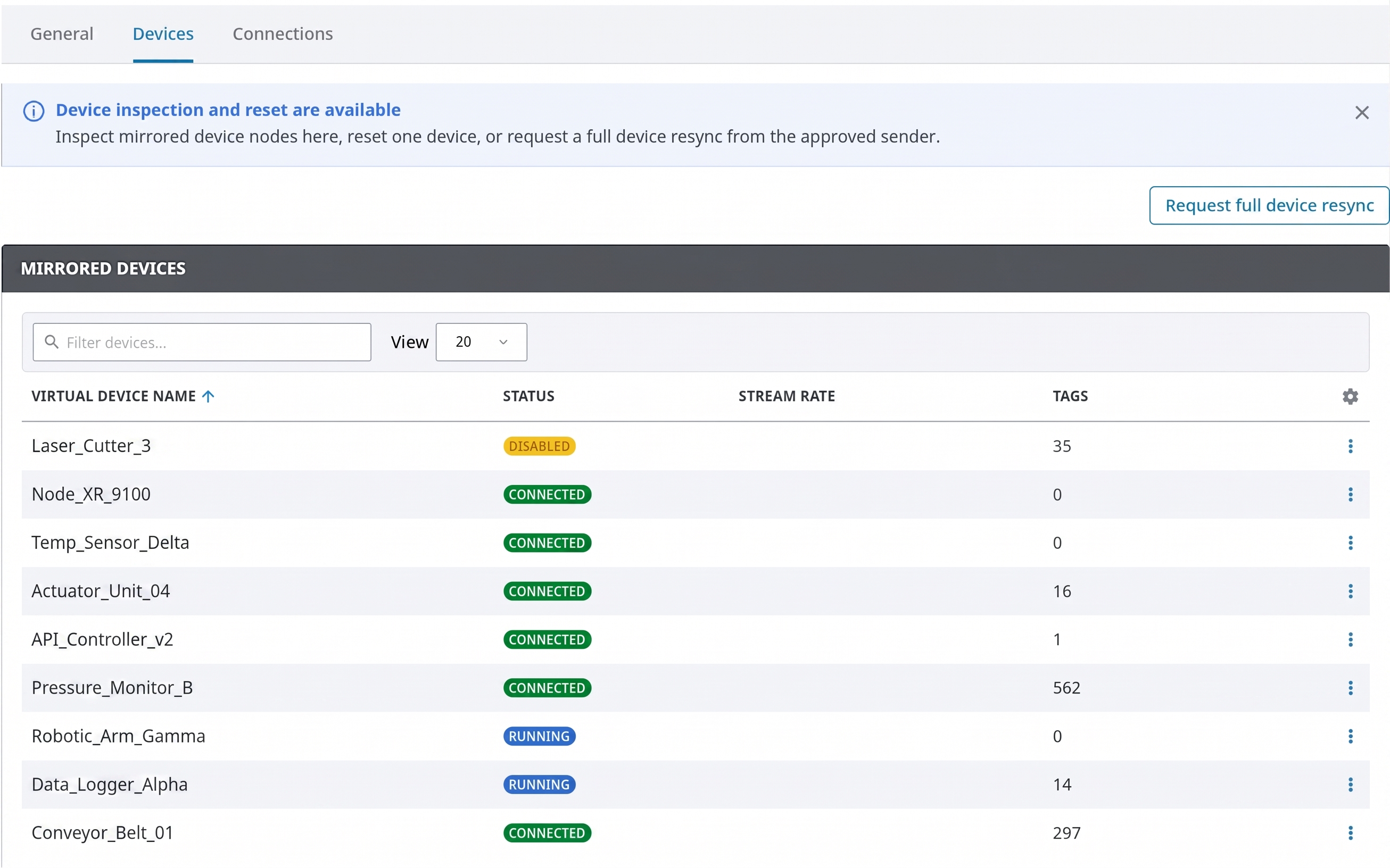
On the sending gateway, this tab shows the sender-side device inventory that is currently being mirrored.
-
On the receiving gateway, this tab lists the virtual mirrored devices that have been created on the receiver.
Status page - Connections
-
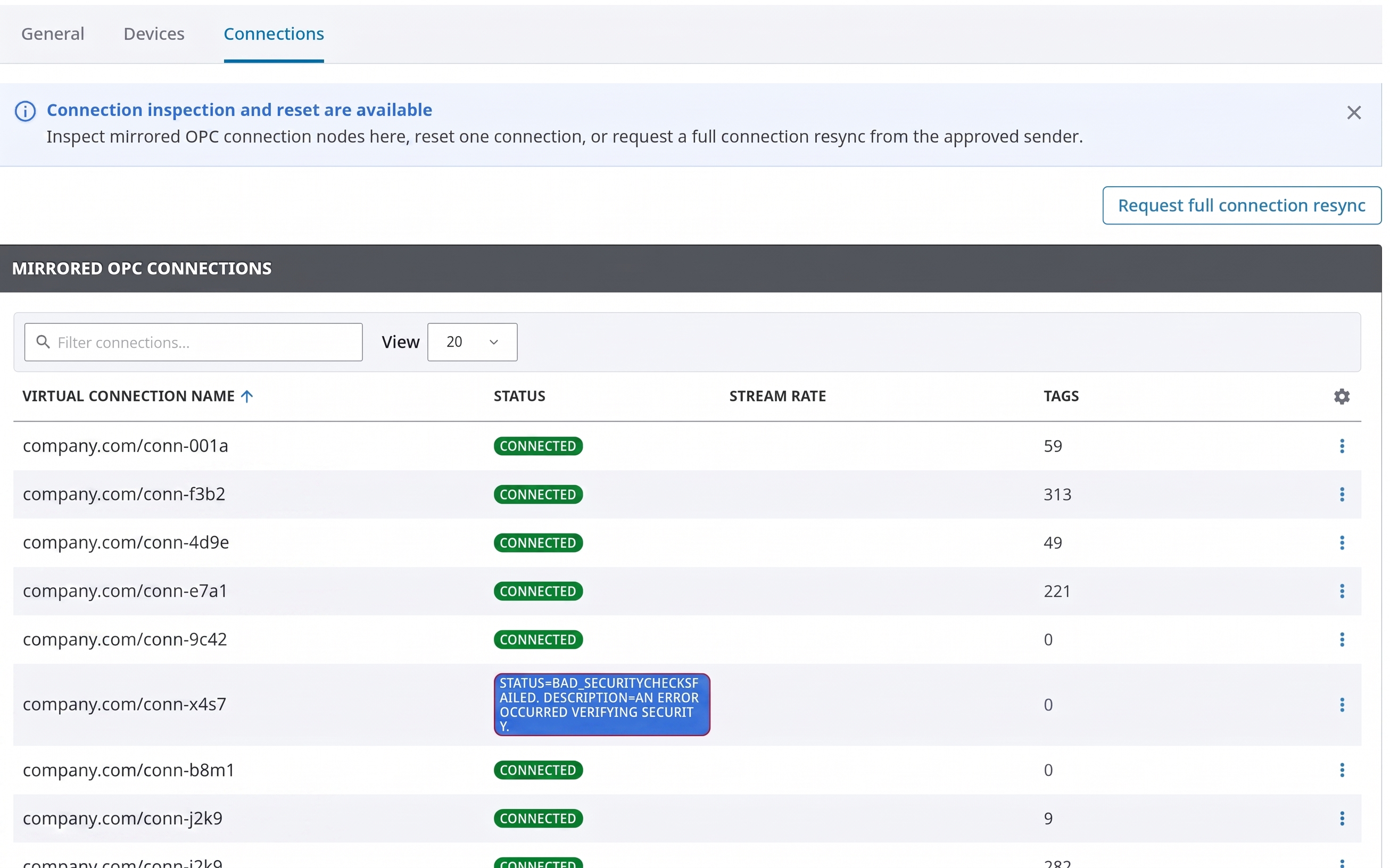
On the sending gateway, this tab displays the inventory of sender-side OPC connections that are being mirrored.
-
On the receiving gateway, it shows the local mirrored OPC connections that have been created.
Reading values
-
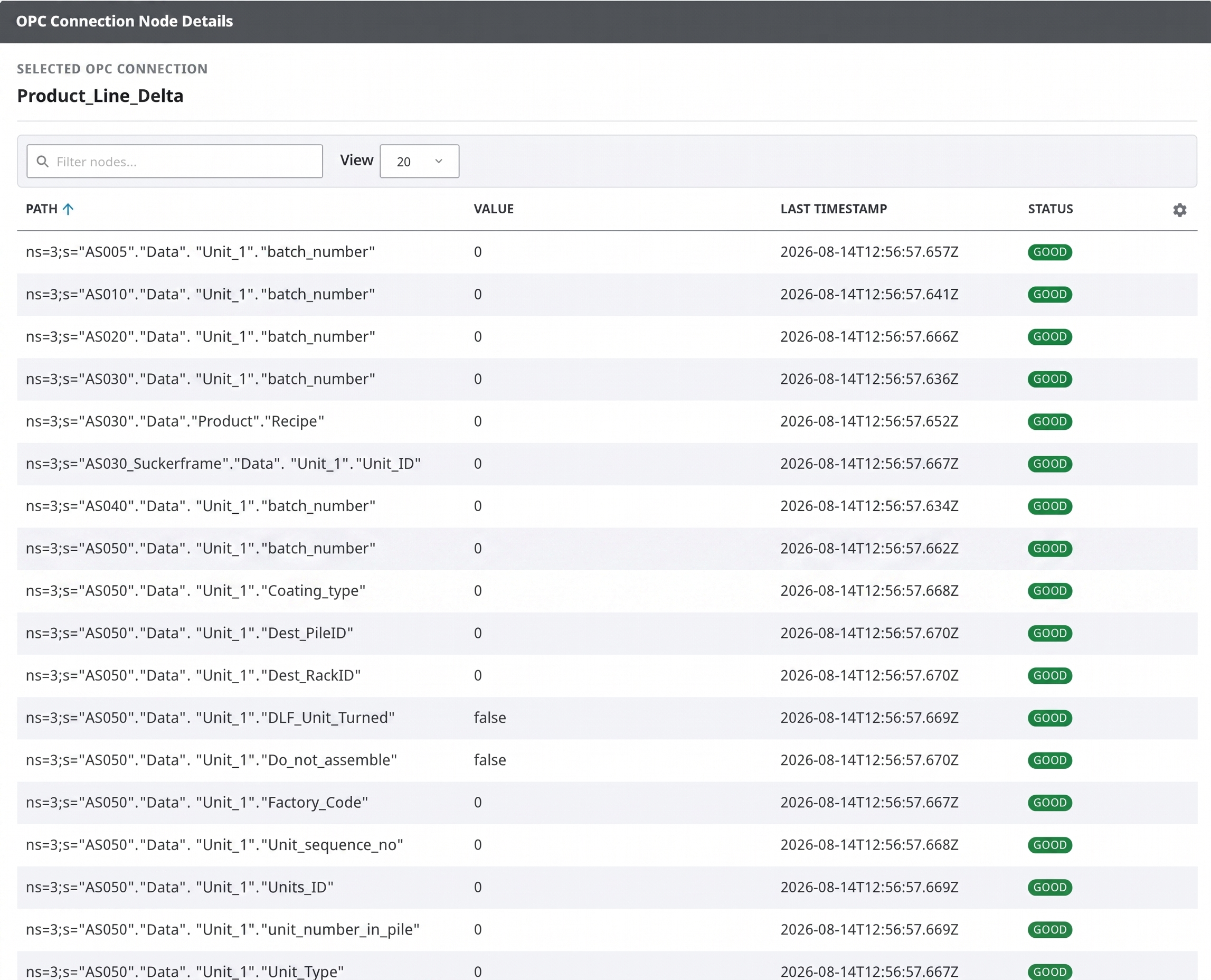
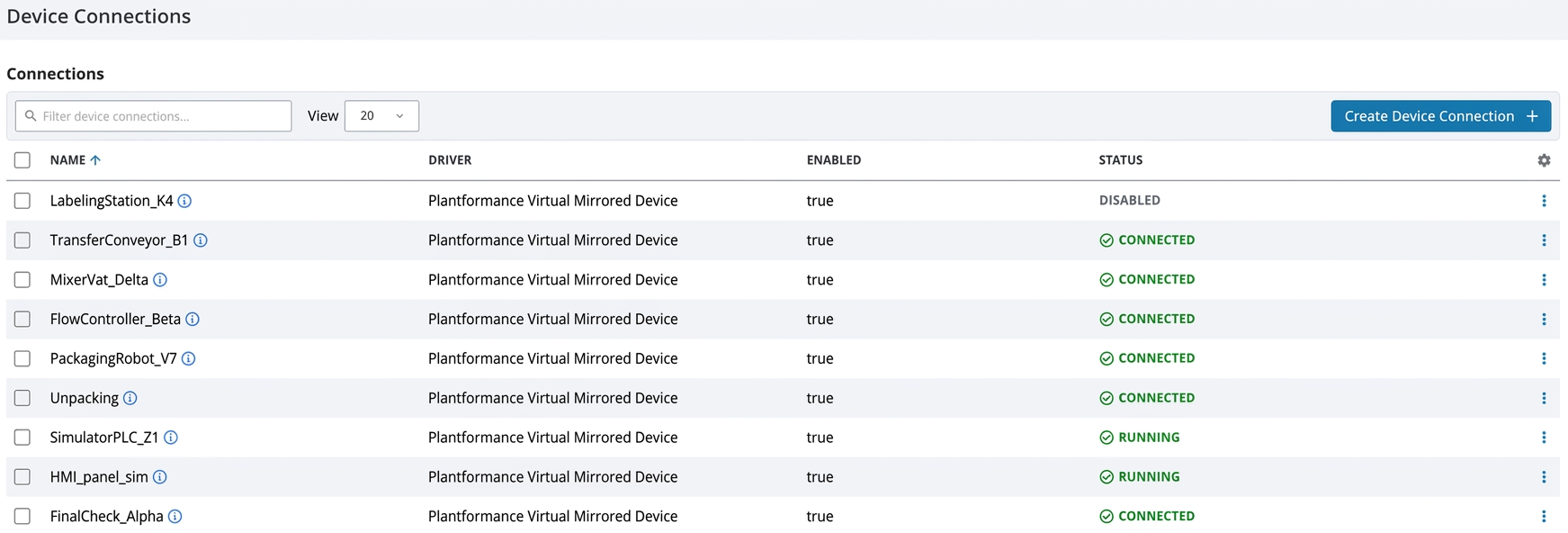
Mirrored device values can be accessed and read through the receiver's local OPC UA device tree, located under the virtual mirrored device and through inspection interface in Status page.
-
Mirrored OPC connection values are exposed via receiver-side OPC connections that point to local loopback OPC UA servers.
-
The receiver creates these mirrored resources as read-only, allowing users to browse and read them as if they were local OPC items.
Reset and resync

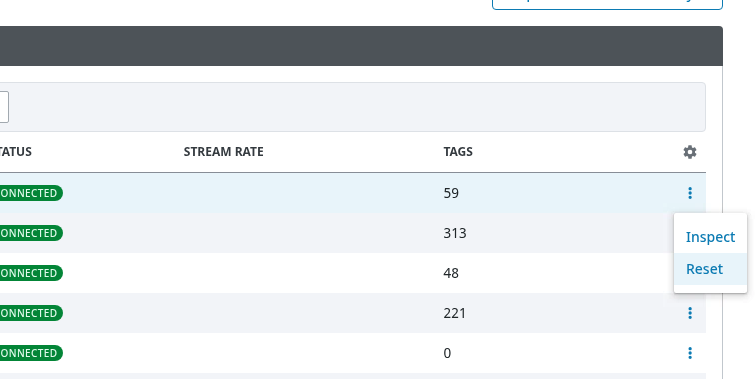
Receiver reset actions are available from the receiver status page when
-
the user has write permission
-
an approved sender is connected.
Available actions:
-
Reset on a receiver device row
-
Removes that local mirrored device
-
Requests a full device resync from the sender.
-
-
Reset on a receiver connection row
-
Removes that local mirrored OPC connection
-
Requests a full connection resync from the sender.
-
-
Request full device resync asks the sender to republish all mirrored device inventory.
-
Request full connection resync asks the sender to republish all mirrored OPC connection inventory.
Use targeted reset when one mirrored item is stale or needs to be recreated.
Use full resync when the receiver inventory appears out of sync with the sender.
If a source device or source connection is removed from the sender
-
the receiver keeps the mirrored item visible with Deleted status
-
marks node values out of service.
Reset/resync removes the local item and only recreates it if the sender still publishes it.